DJI Neo 2 Digital Transceiver
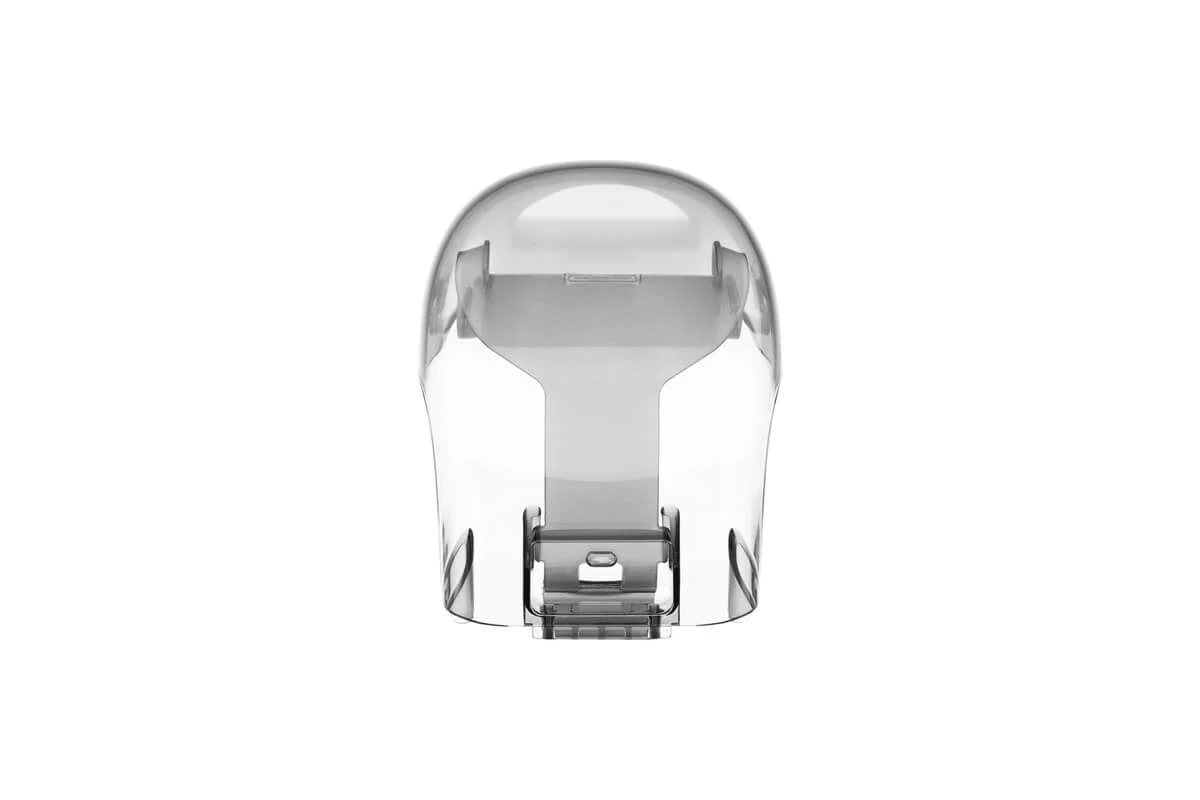
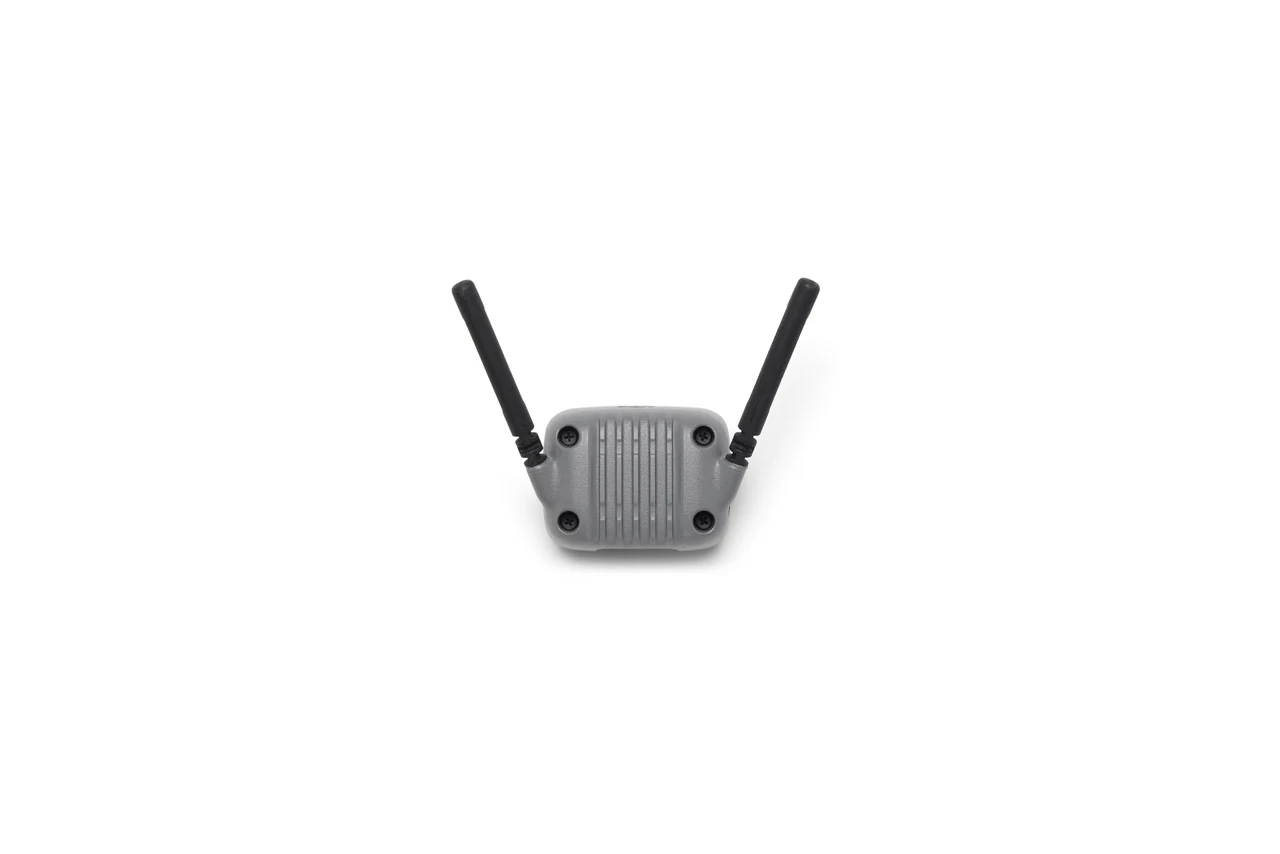
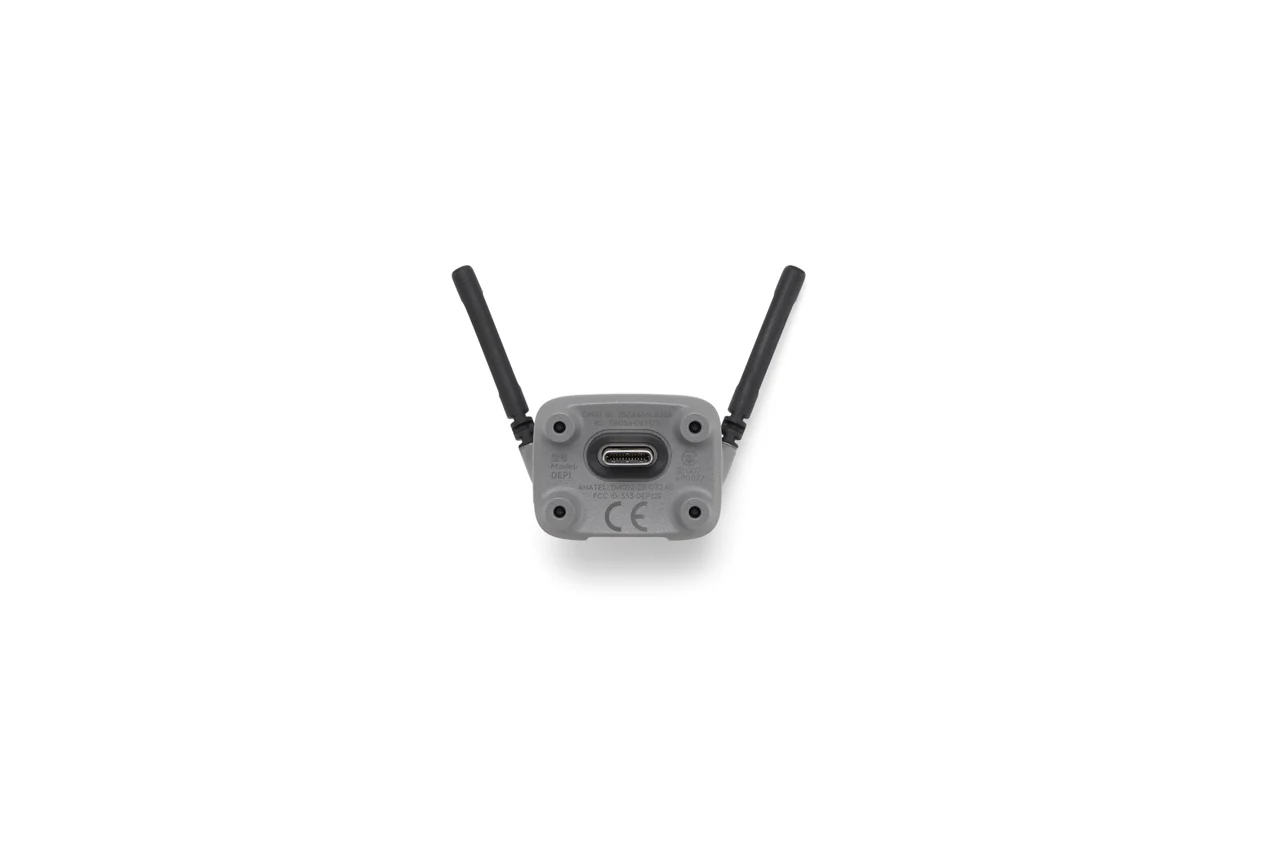
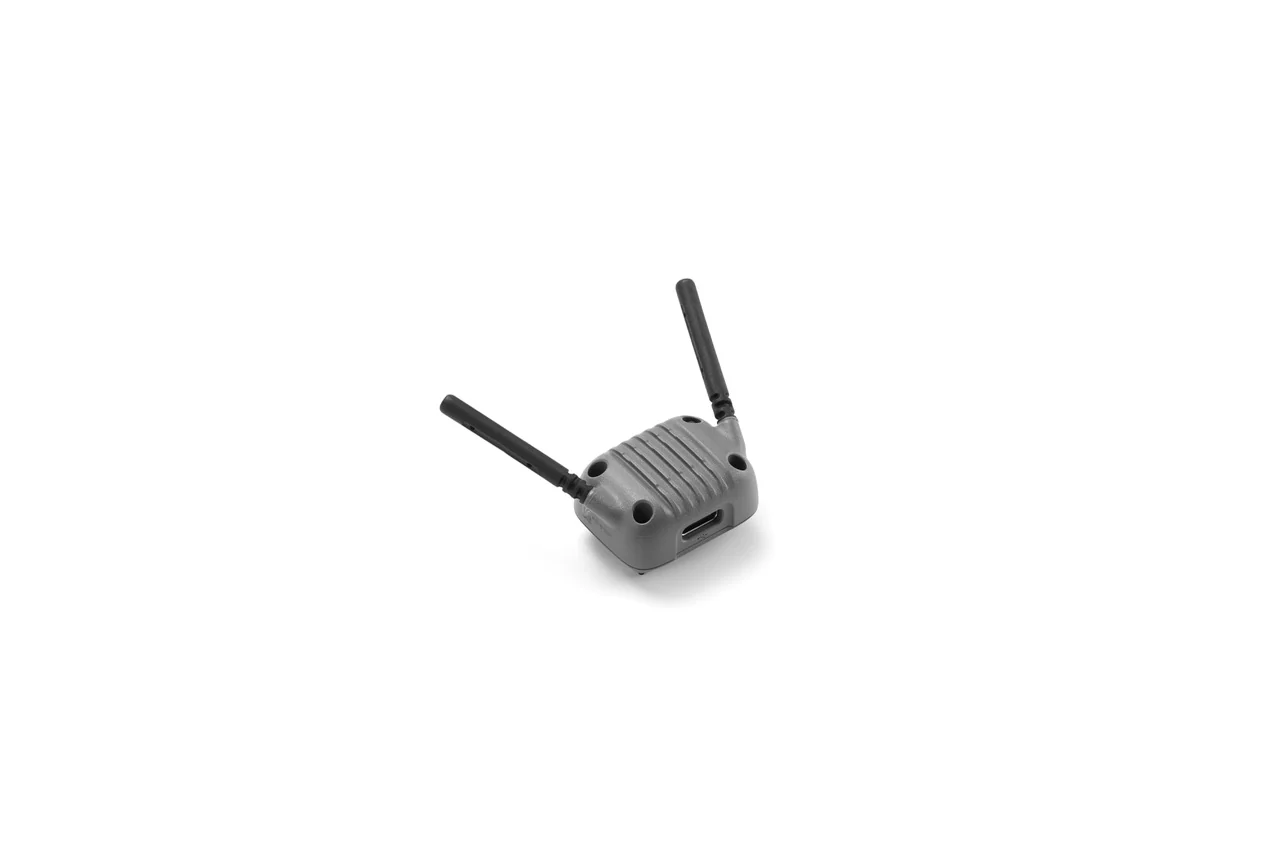
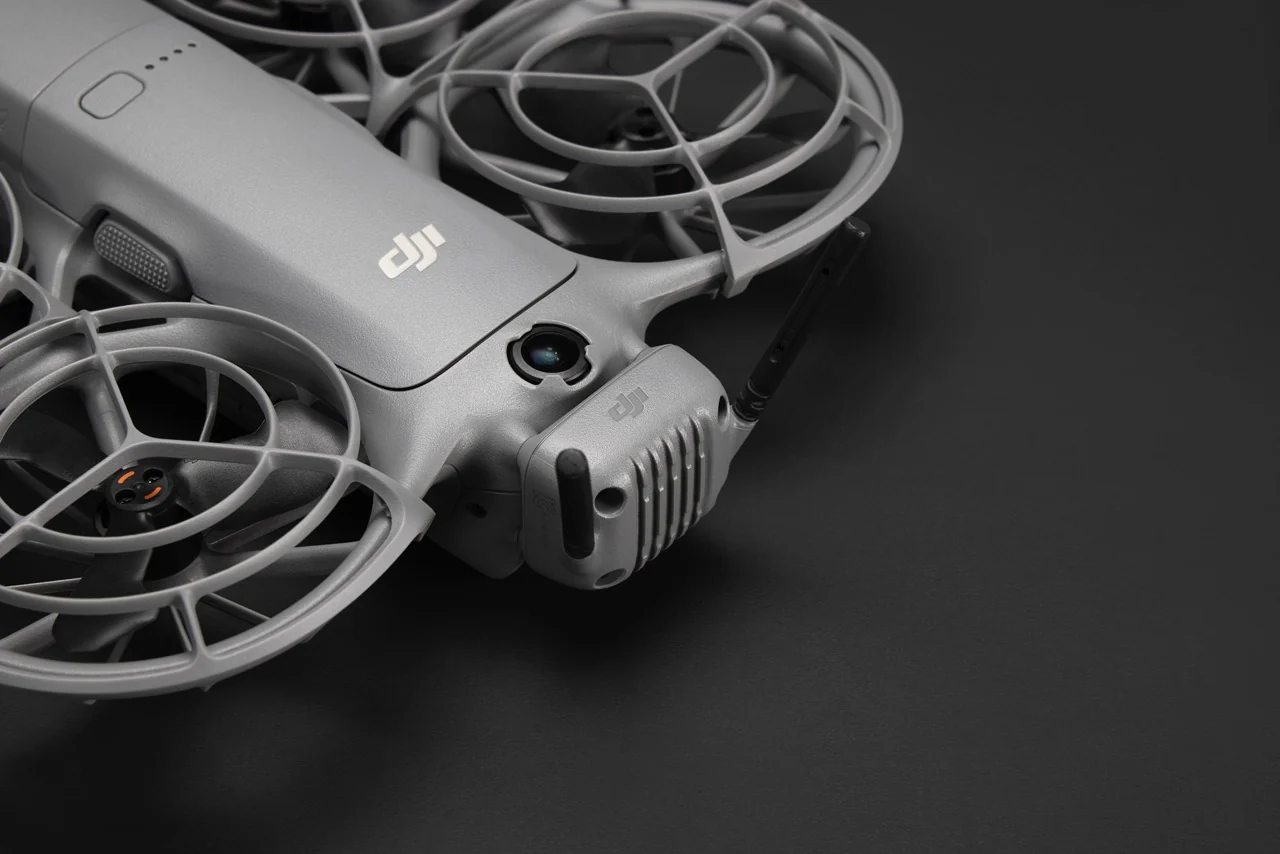
When flying the drone with a remote controller or goggles, install DJI Neo 2 Digital Transceiver for stable, low‑latency video transmission.
1. Do not install or remove DJI Neo 2 Digital Transceiver while the drone is powered on. Make sure it is installed before turning on the drone.
2. Avoid applying external force to the antenna to prevent deformation.
3. After every 30 hours of flight (approximately 60 flights), check that the screws on DJI Neo 2 Digital Transceiver are not loose, and tighten them securely if necessary.
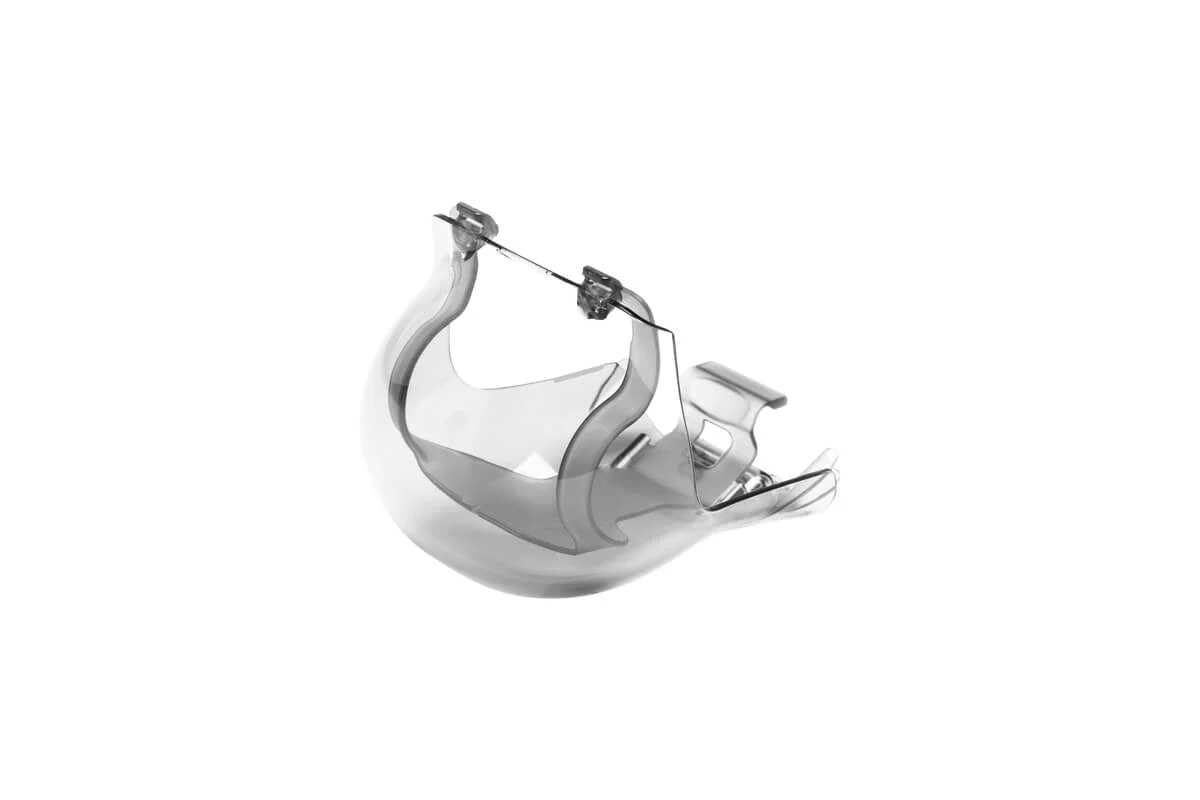
DJI Neo 2 Digital Transceiver × 1
Produktinformation
Produktinformation
Frakt & Returer
Frakt & Returer
DJI Neo 2 Digital Transceiver
DJI Neo 2 Digital Transceiver
When flying the drone with a remote controller or goggles, install DJI Neo 2 Digital Transceiver for stable, low‑latency video transmission.
1. Do not install or remove DJI Neo 2 Digital Transceiver while the drone is powered on. Make sure it is installed before turning on the drone.
2. Avoid applying external force to the antenna to prevent deformation.
3. After every 30 hours of flight (approximately 60 flights), check that the screws on DJI Neo 2 Digital Transceiver are not loose, and tighten them securely if necessary.
DJI Neo 2 Digital Transceiver × 1
Ordinarie: $29.16
-65%$29.16
$10.21Produktinformation
Produktinformation
Frakt & Returer
Frakt & Returer
Description
When flying the drone with a remote controller or goggles, install DJI Neo 2 Digital Transceiver for stable, low‑latency video transmission.
1. Do not install or remove DJI Neo 2 Digital Transceiver while the drone is powered on. Make sure it is installed before turning on the drone.
2. Avoid applying external force to the antenna to prevent deformation.
3. After every 30 hours of flight (approximately 60 flights), check that the screws on DJI Neo 2 Digital Transceiver are not loose, and tighten them securely if necessary.
DJI Neo 2 Digital Transceiver × 1